How Can I Switch My iSpyPen Pro X's Memory Card?Updated 4 months ago
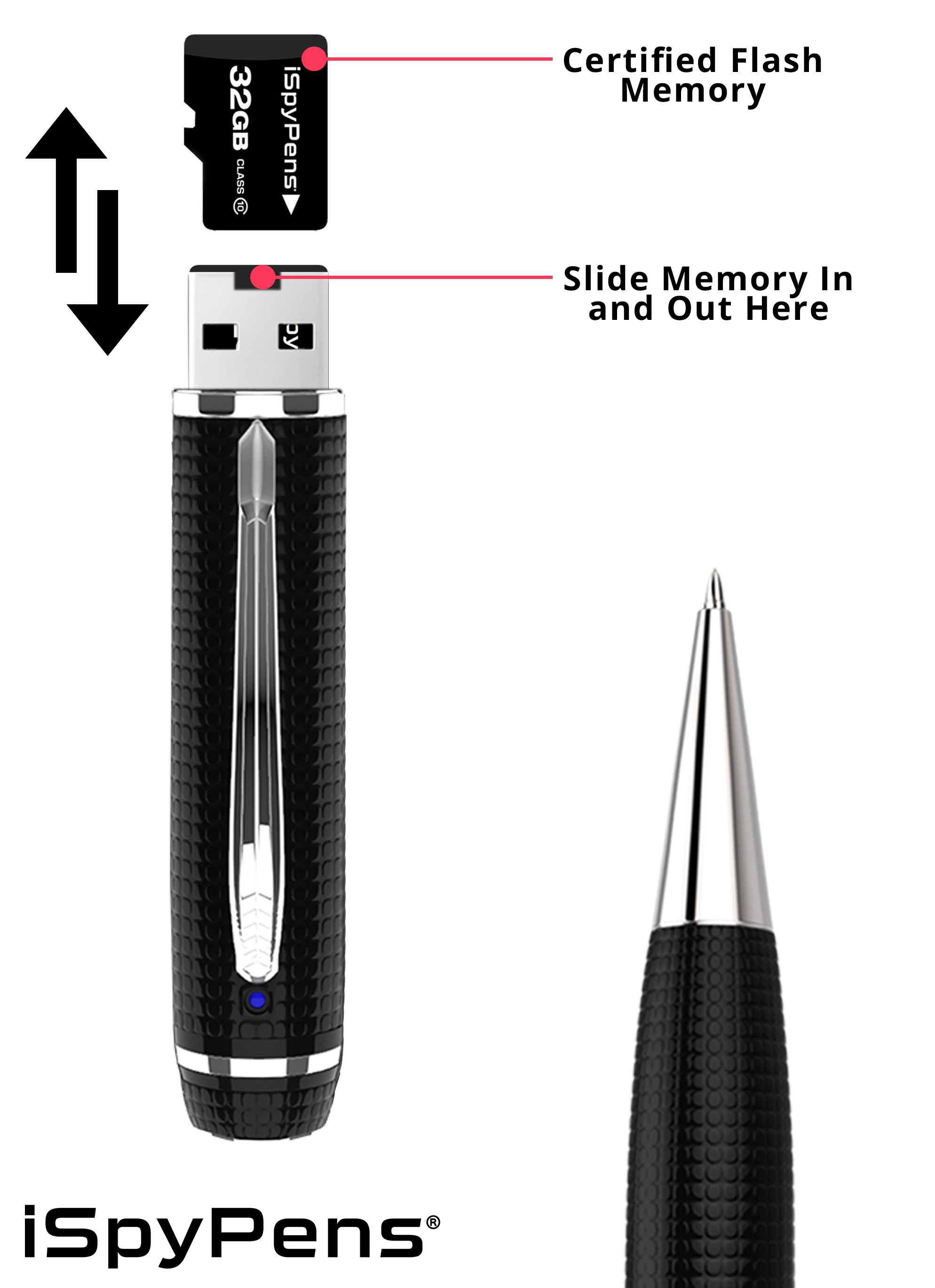
The iSpyPen Pro X is conveniently designed to contain an interchangeable memory card that can be adjusted to suit your capacity needs. It is important to know that you can upgrade your memory to up to 128GB at any time after purchasing; reach out to our customer support to receive an upgraded certified memory card. Simply follow the steps below to change your memory or install a new one.
Kindly note, uncertified memory with your iSpyPen Pro X will void the product warranty.
1. Unscrew the top of the pen, revealing the USB port and memory cartridge.
2. Remove the pre-installed certified microSD memory card. (Be sure to slide out gently and carefully to ensure the slot is not compromised)
3. Slide in a new certified microSD memory card.
4. Screw the pen top back on. Record normally!